
Overview
Disk health, reclaimable space by group and what you have already freed, on one screen.
MacleanFy shows what is filling your disk, sorts it by risk level and deletes only what you confirm. Free and open source.
macOS 12 or later · MIT License · version 0.1.1
Not sure? Open the Apple menu → About This Mac: a “Chip” line means Apple Silicon, a “Processor” line means Intel.
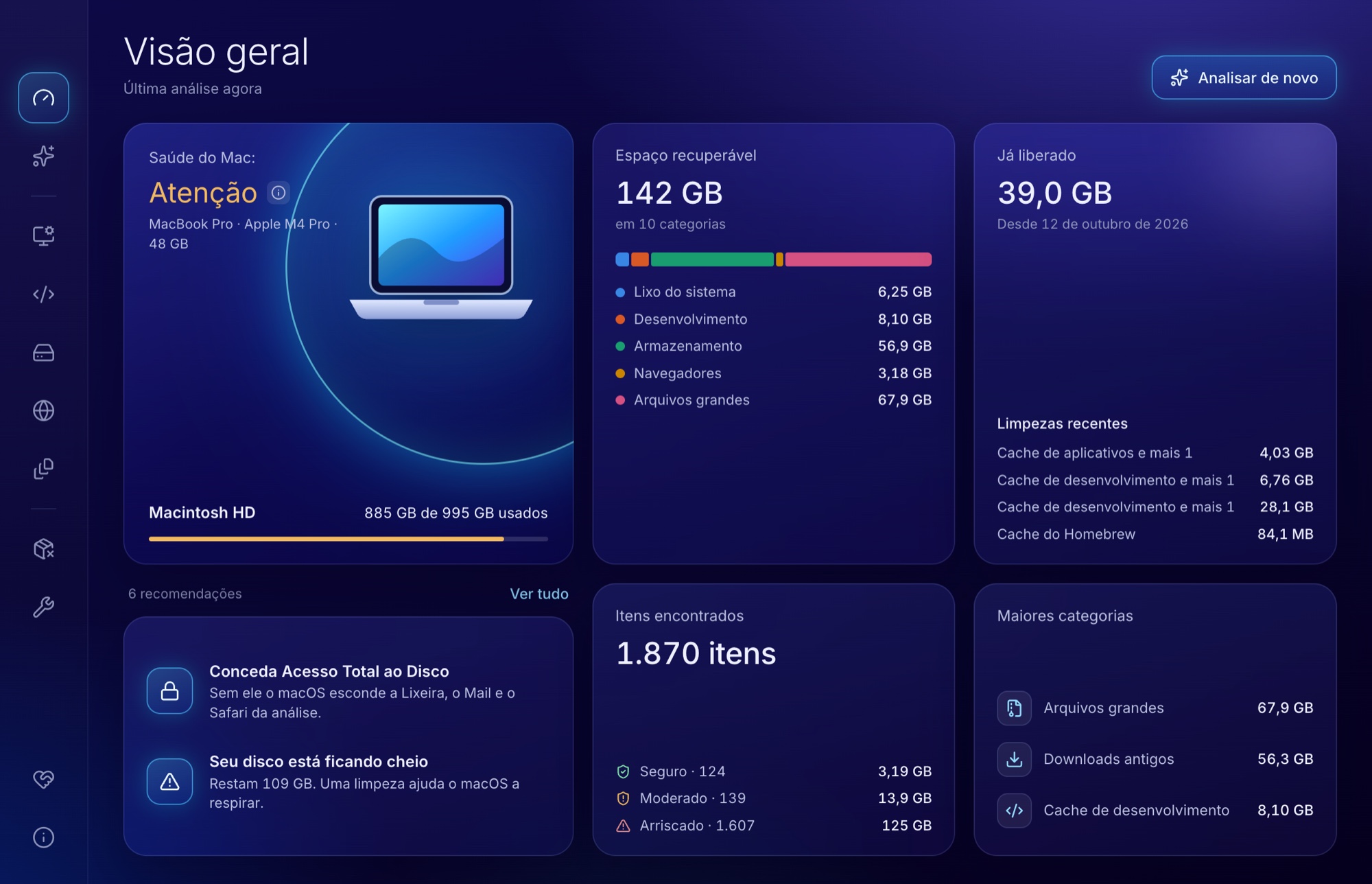
Disk health, reclaimable space by group and what you have already freed, on one screen.
Caches, logs, development leftovers, browsers, old downloads, large files and duplicates.
Lists each app with what it left around your Library and moves everything to the Trash.
Flushes the DNS cache and frees purgeable space when the system is slow to give it back.

A cleaner deletes files. These are the guards.
Nothing leaves the disk before you review the list and confirm.
Anything moderate or risky waits for your choice, and risky items ask for an extra confirmation.
The dry run option walks through everything without deleting.
Paths like /System and /usr are refused and never even listed.
Apps go to the Trash, where you can put them back.
Cleaning a category is permanent: files do not go through the Trash.
MacleanFy's scanners and safety rules come from mac-cleaner-cli by guhcostan, released under the MIT license. MacleanFy adds the graphical interface. If you prefer the terminal, use the original project.
See mac-cleaner-cli on GitHubMacleanFy is free and open source. If it helped you, a contribution keeps the project going.
Pix to Meigston da Silva Ramos
 R$10.00
 Another amount
Point your bank app's camera at it or paste the code under Pix copia e cola.
For anyone outside Brazil. You choose the amount and pay in US dollars by card, Apple Pay or Google Pay.
Contribute through Stripe